Iron Heart Website V4
-
I thought so too. I was forever getting confused…....
It's true. I have a dedicated browser window open just for IH and I often have a product page on the web store open side by side with the forum page for the product. Used to be impossible to tell the difference just by looking at the tab.
-
-
Done….
Huh…. not to rain on your parade, but no icon comes up for me. I'm using Chrome.
-
I can't see it in Chrome either. Maybe it's a permission issue and you can see it because you're logged in to SmugMug?
-
So the favicon for the gallery is https://photos.smugmug.com/PHOTOS/Fade-Archive/Jackets-and-Vests/i-NC5TFwh/0/16x16!/2016-10-11_1422-16x16!.jpg. I get a 404 for that. (BTW, it seems odd to put the icon for the whole gallery under /Fade-Archive/Jackets-and-Vests, but that shouldn't technically hurt.) @Giles, could you try clearing your cache after logging out of SmugMug, or using another browser to see if it still shows up for you?
-
Looks like you should be able to set it through the SmugMug UI.
-
This guy seems to be using a private (or at least unlisted) folder for the icon:
and later,
He says it won't show up in sandbox mode, only when you unveil.
-
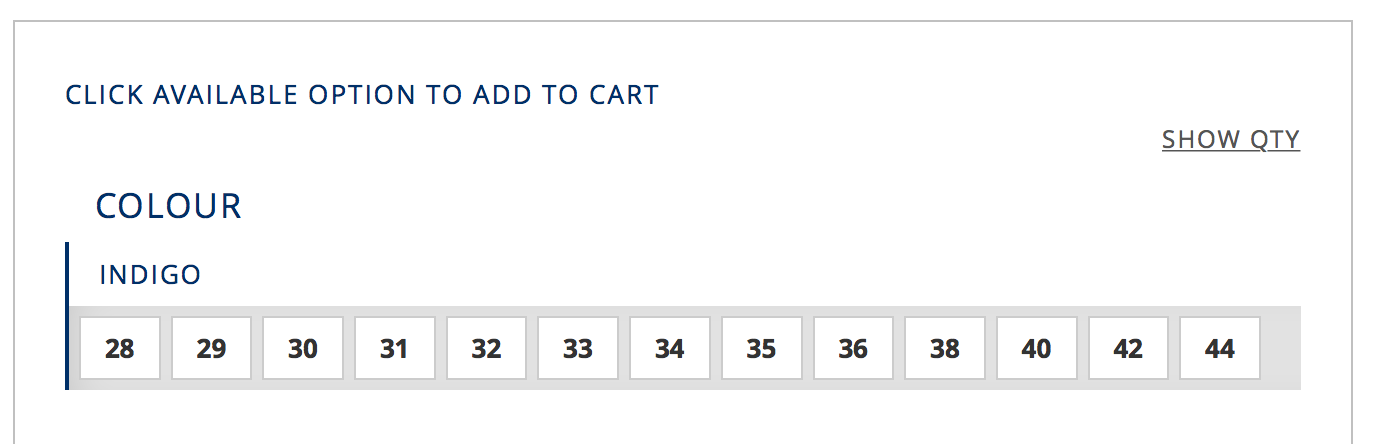
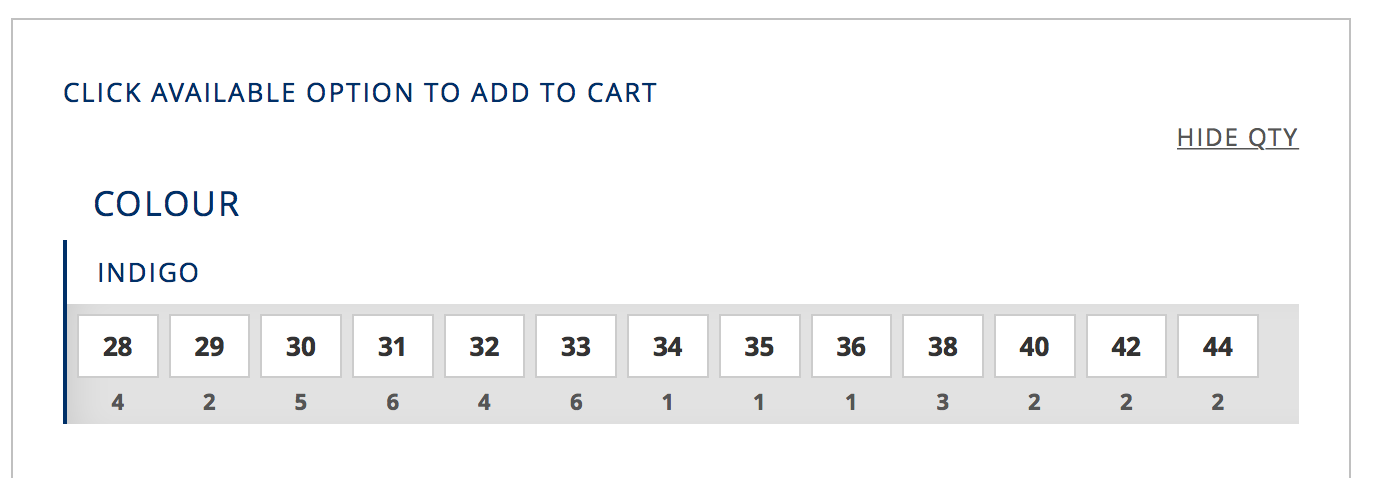
You can now see stock levels again with the SHOW QTY/HIDE QTY function

-
Ooh, nice! Thanks!

-
Thank you, and sorry it took a while to get there!